⬅️ How to Register Equipment NFTs from Your Wallet to the Game
Preparation
To use Equipment stored in your wallet, you must first register it in the game.
If you have not transferred the Equipment to your wallet, you must transfer it first.
Please refer to 🔁 How to Transfer Equipment NFTs to Your Wallet.
【Equipment Registration Method (PC Version)】
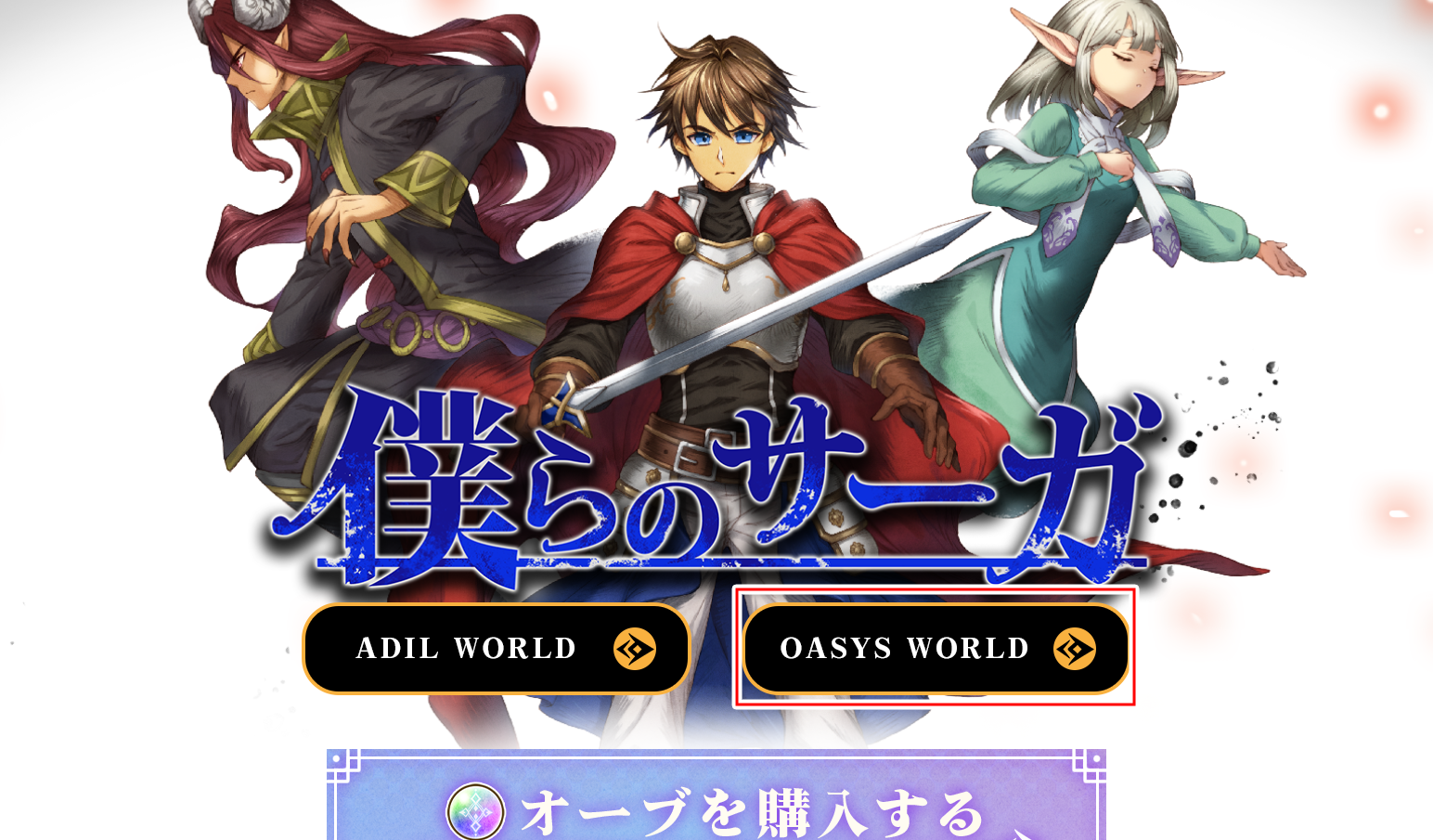
Step1 Click WORLD on the Official Website
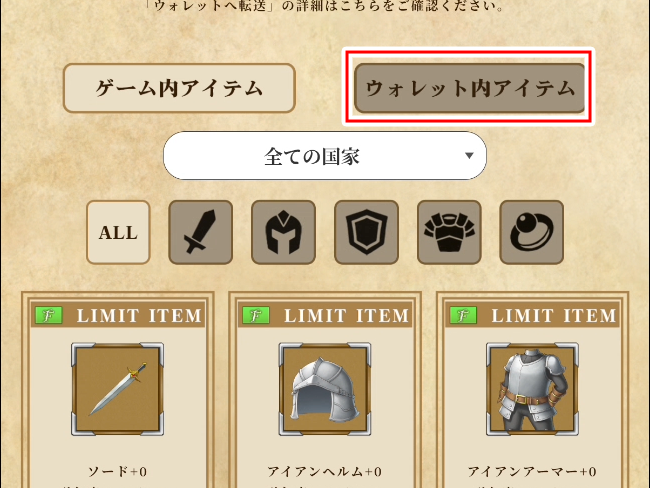
Step2 Switch to Wallet Items
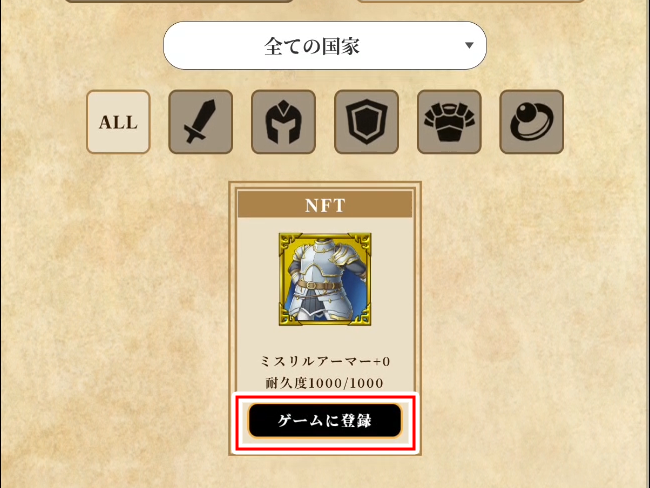
Step3 Click Register in Game Below the Equipment
Click the Register in Game button displayed on the Equipment in your wallet.
A registration pop-up will appear. Select Register.
※After clicking Register, the pop-up will close and the registration process will begin. The screen will return once registration is complete, so please wait for a moment.
Step4 Switch to In-Game Items and Confirm That the Equipment Has Been Registered
Switch tabs and confirm that the Equipment you registered has been moved to the In-Game Items section. Once it appears there, registration is complete.
※It may take some time for the Equipment to appear. If it is not displayed, please wait a moment and check again.
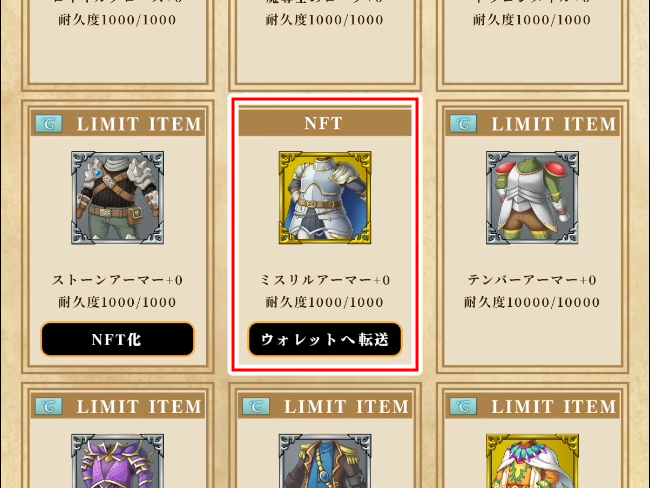
Step5 Register the Item to a Nation
NFT Equipment cannot be used in the game until a Nation has been selected.
Please select the Nation in which you would like to use the Equipment.
