Trade
This feature allows you to trade items with other users and transport resources to your own territories or other users' territories.
【Trading】
Trading becomes available by constructing a Trading Post.
By leveling up the Trading Post, the number of trade slots and the amount of transportable resources will increase.
Additionally, leveling up reduces the transportation time when a trade is completed.
【Trade】
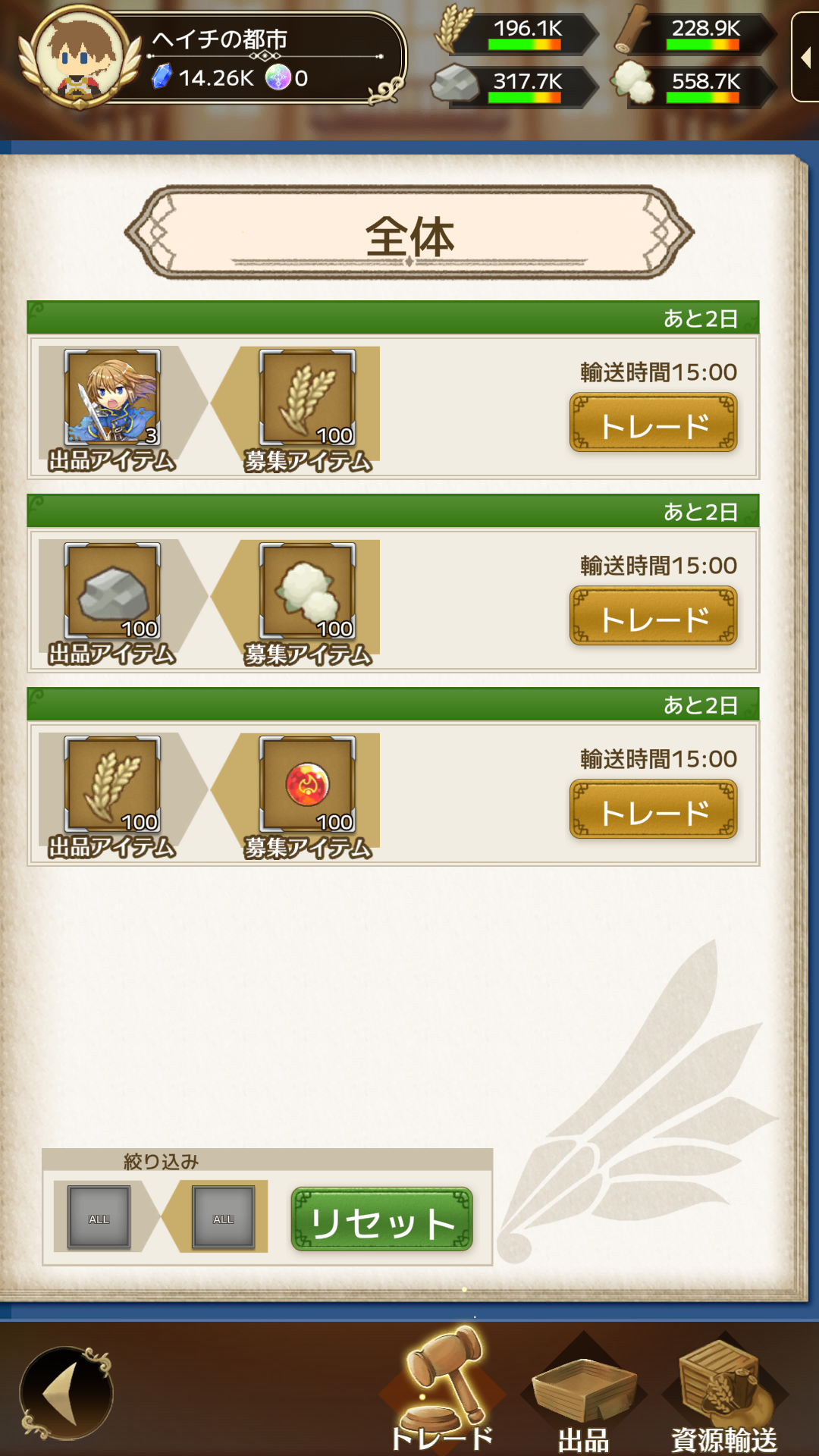
You can trade resources, soldiers, elements, and equipment with users within your "Knight Order" or with anonymous users globally.
Once a trade is completed, the user you traded with will not appear in the list for a certain period of time.
Only equipment of Silver rank or higher can be listed.
Additionally, the durability must be at maximum.
Soldiers incur maintenance costs both while listed and during transportation.
While listed, the seller bears the maintenance cost of the listed soldiers,
and after the trade is completed, the buyer bears the maintenance cost starting immediately when transportation begins.
Therefore, if the player who completed the trade has negative maintenance costs and runs out of food,
soldiers may starve to death during transportation.
Additionally, if the seller can no longer afford maintenance costs while the soldiers are listed,
the listed soldiers may starve to death, and the trade will be automatically canceled.
After a trade is completed, items will be transported to the other player's territory, and this takes time.
・For global trades, the maximum time is 24 hours, which can be reduced by leveling up the Trading Post.
・For Knight Order trades, the time depends on the distance to the other player's territory.
【Listing】
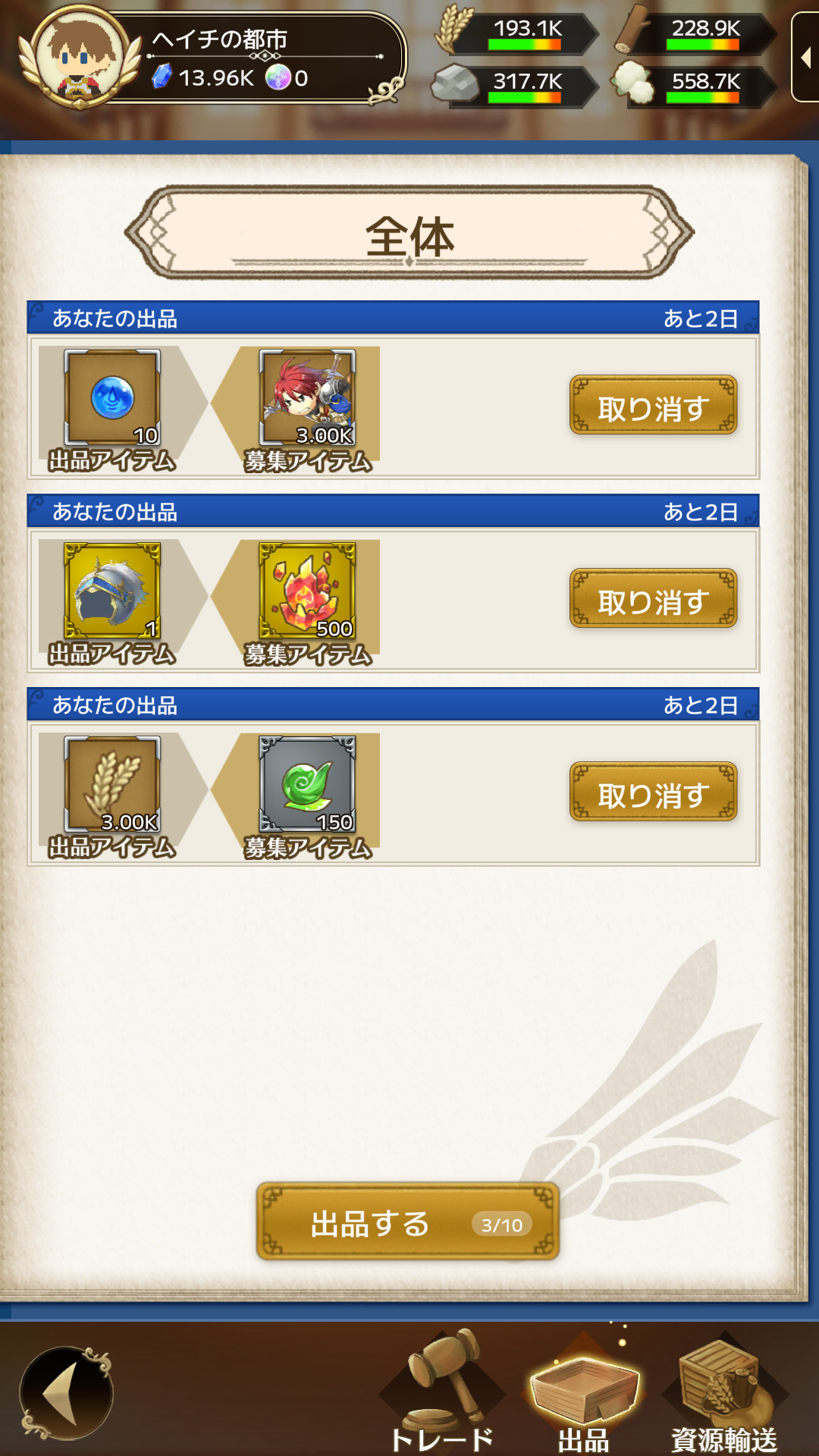
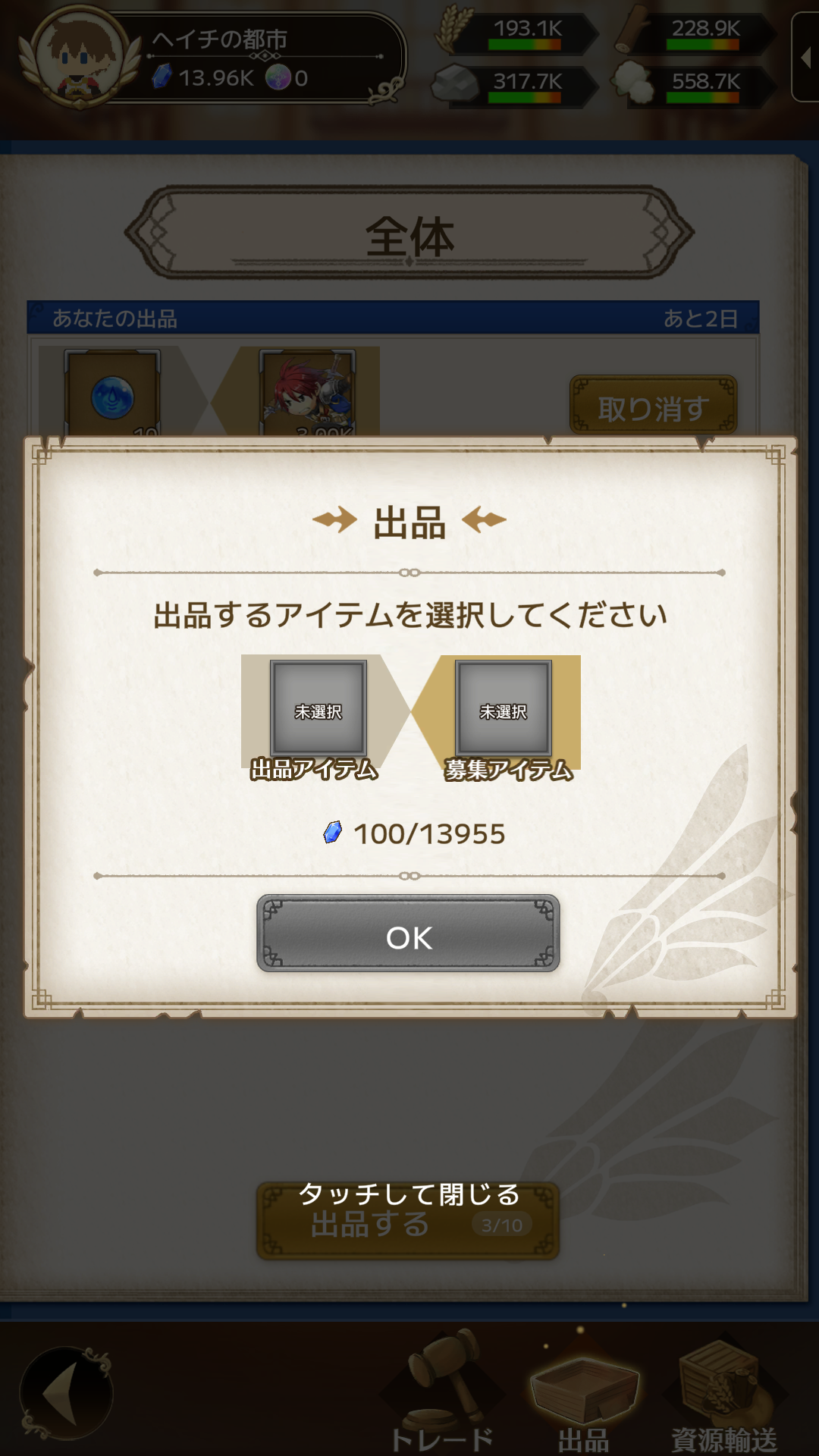
Select the item you want to list and the item you are requesting, and spend Gems to list the trade.
Listings remain active for 3 days and will be automatically canceled after the period expires.
【Resource Transport】
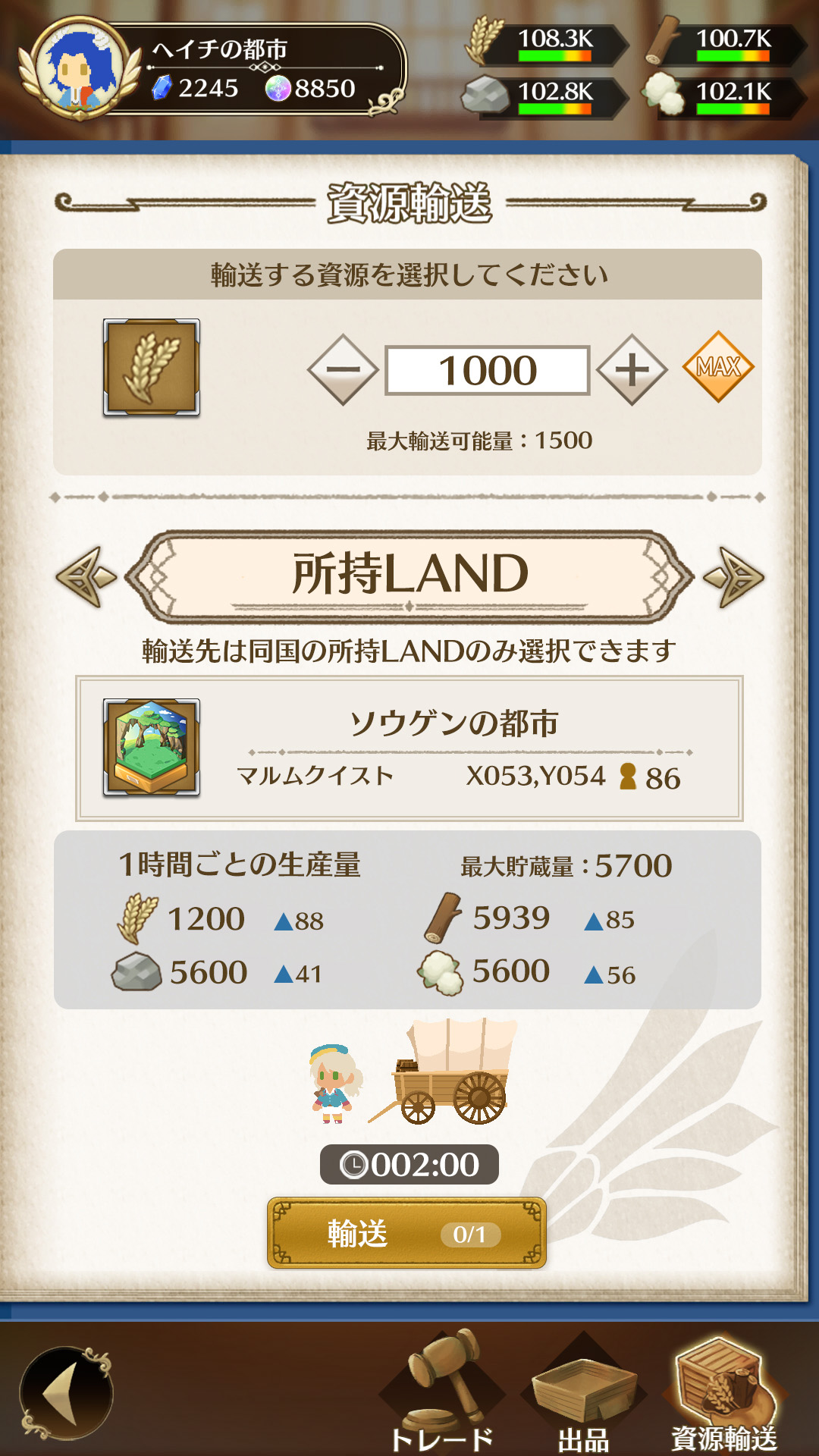
You can transport resources to owned LAND, subordinate territories, members, and Knight Orders (alliances).
Resource transport does not consume Gems.
〈Transporting resources to owned LAND〉You can transport resources to LAND groups that you own.
〈Transporting resources to subordinate territories〉If you own subordinate territories, you can transport resources to them.
〈Transporting resources to members〉If you are a Knight Order leader, you can transport resources to members.
〈Transporting resources to the Knight Order〉If you are the King, you can transport resources to the Knight Order leader's LAND.
【Trade Slots】
Trading requires "Trade Slots".
Trade Slots are shared between "Trade" and "Resource Transport".
If all Trade Slots are occupied, you cannot create a new listing.