⛳ How to Register LAND from Your Wallet to the Game
Preparation
To use LAND stored in your wallet, you must register it in the game.
If you have not transferred the LAND to your wallet, you must transfer it first.
Please refer to 🔁 How to Transfer LAND to Your Wallet.
【LAND Registration Method (PC Version)】
Step1 Click LAND on the Official Website

Step2 Switch to LAND in Your Wallet

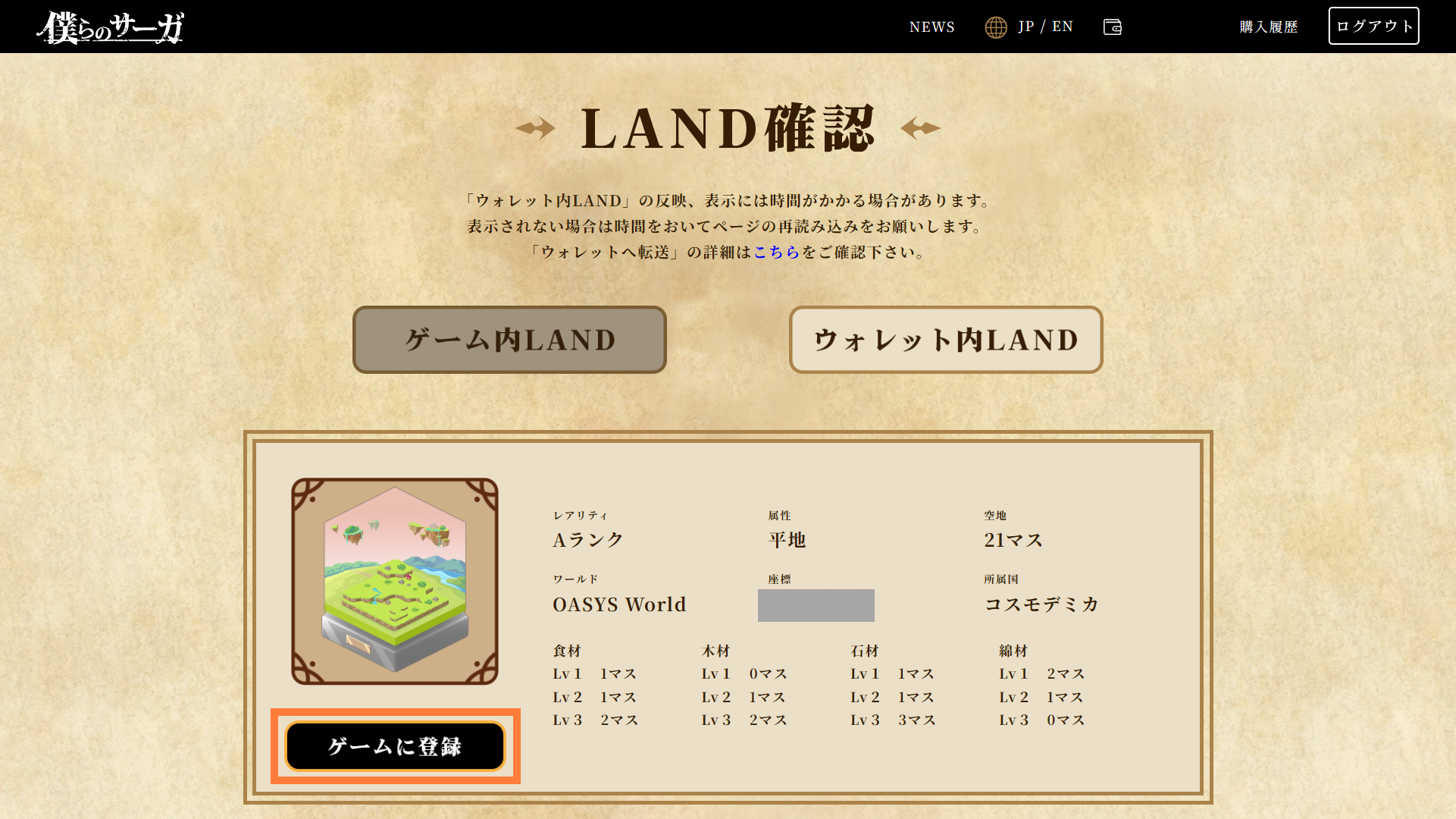
Step3 Click Register in Game Below the LAND
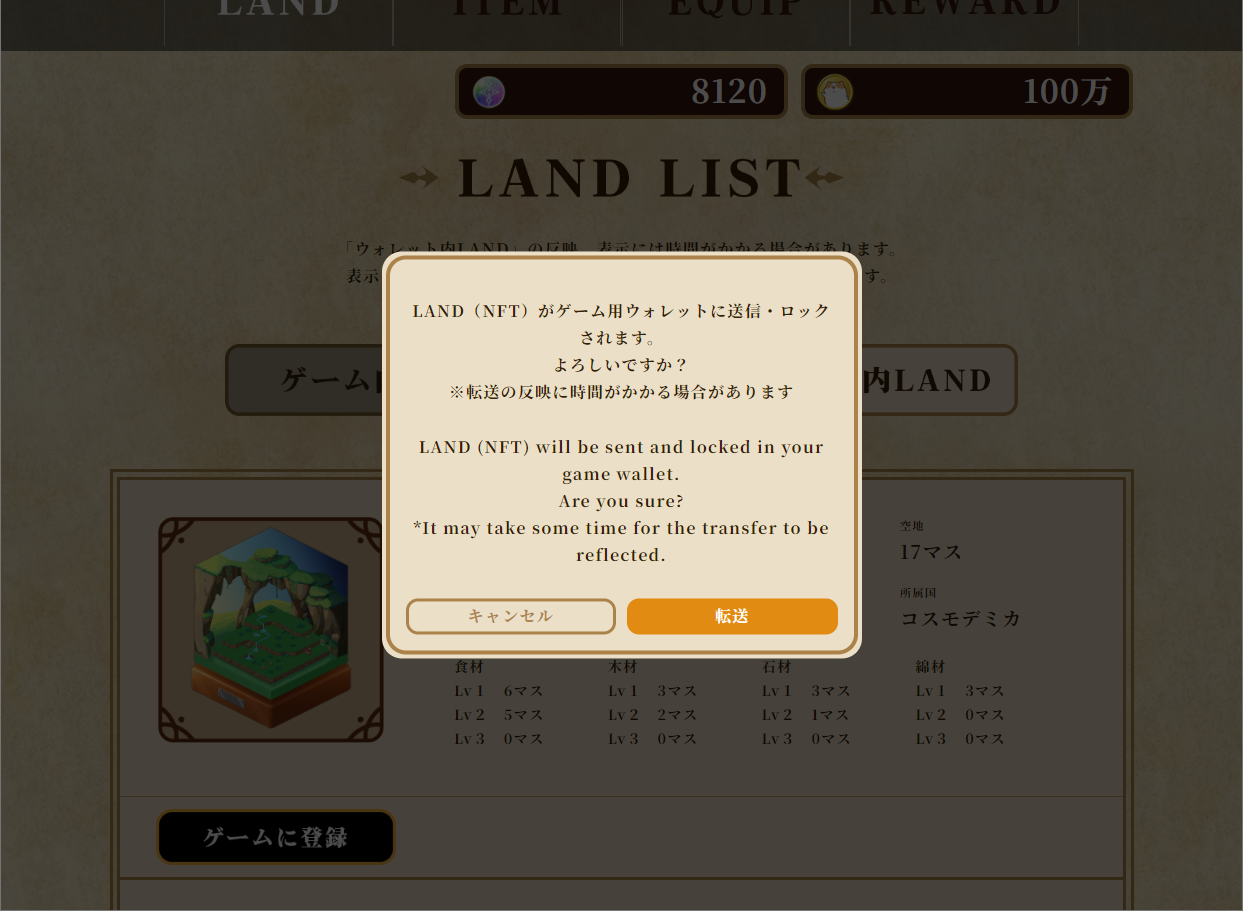
A pop-up will appear. Click Transfer.
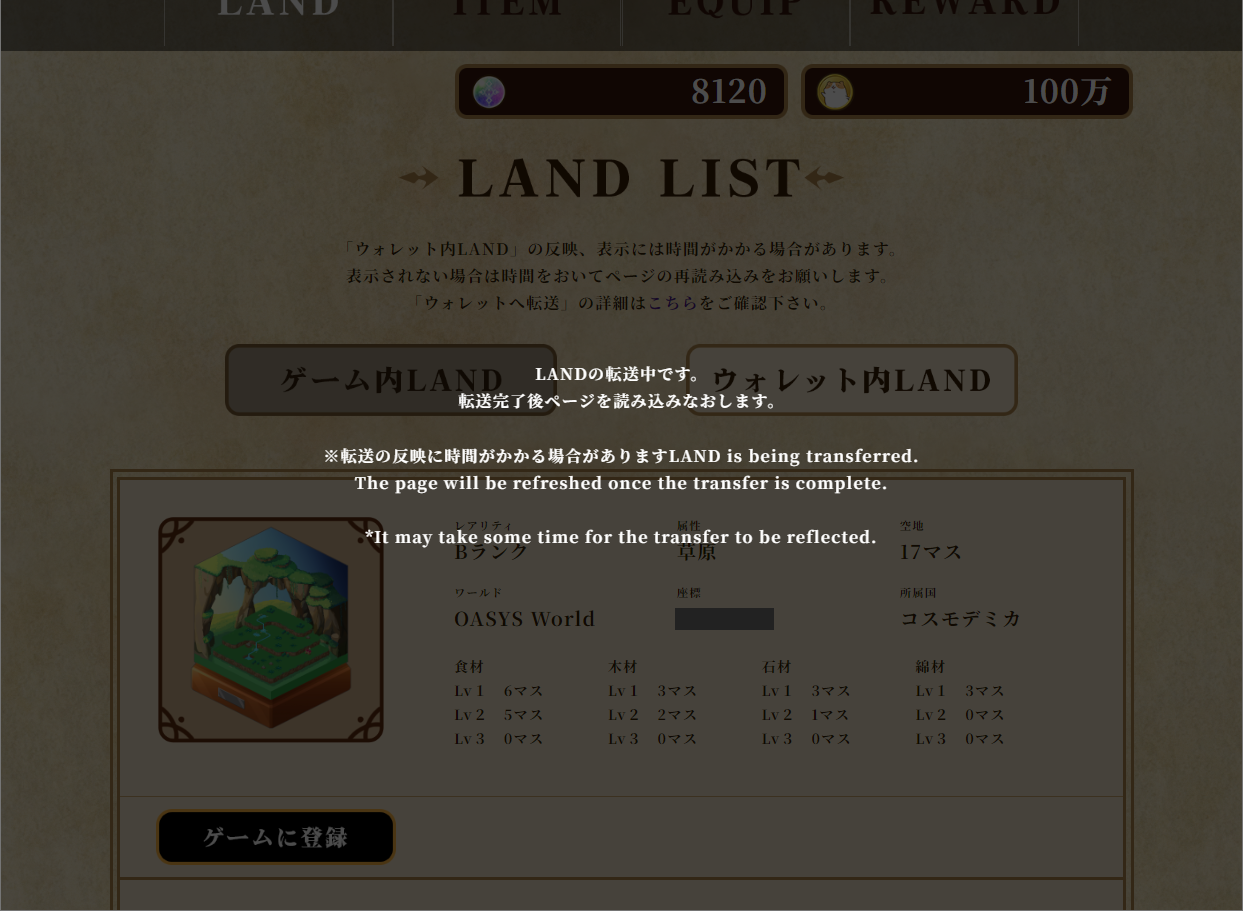
※After clicking Register, the pop-up will close and the registration process will begin. The screen will return once registration is complete, so please wait for a moment.
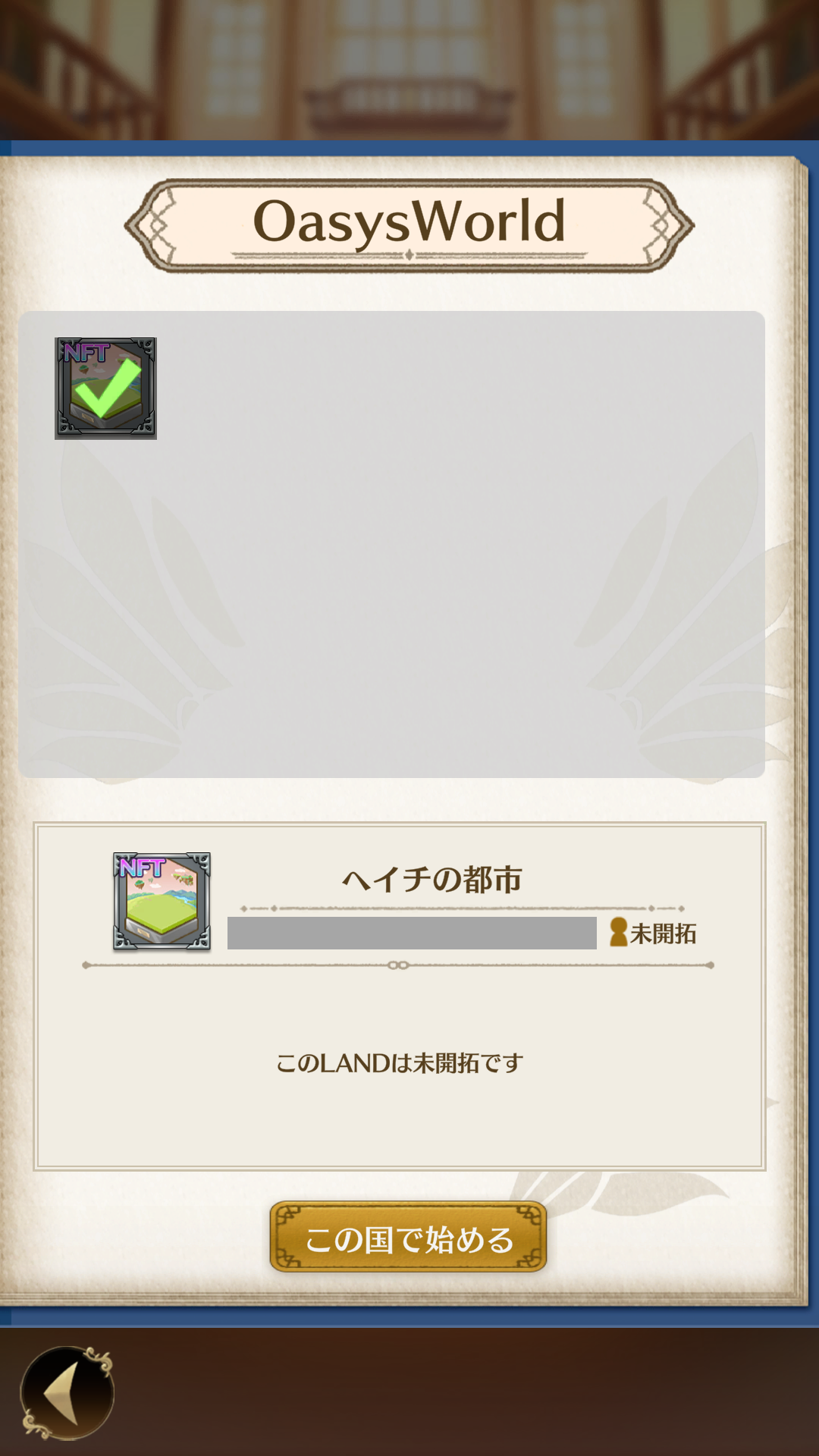
Step4 Launch the Game and Confirm That the LAND Has Been Registered on the LAND Selection Screen
If the LAND you registered is displayed in the game, the registration is complete.