🌏Map Screen
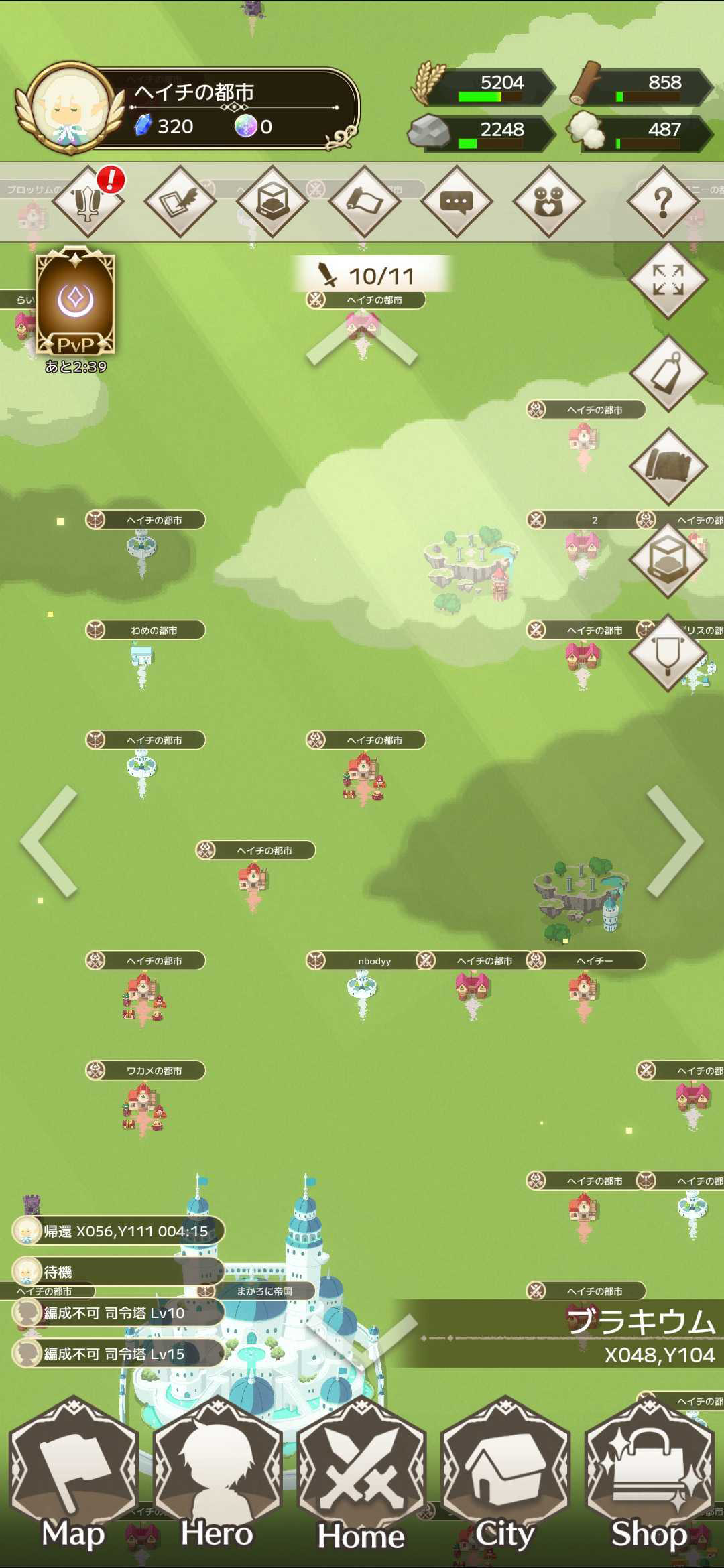
This screen allows you to view the entire world.
【Land】
There are five types of land attributes in the world: "Plains," "Grassland," "Forest," "Mountain," and "Lakeside."

Plains

Grassland
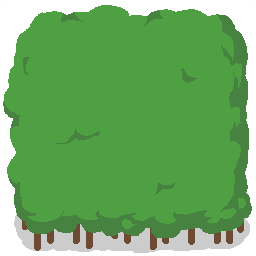
Forest
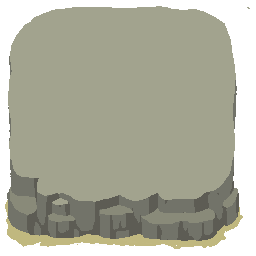
Mountain
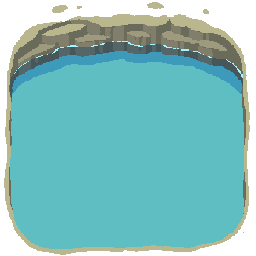
Lakeside
Each land has strength levels from Lv1 to Lv5, and the types of resources obtained upon victory and the monsters that appear will differ.
Plains provide balanced resources, while Grassland yields more food, Forest yields more wood, Mountain yields more stone, and Lakeside yields more cotton.
【Other Territories】
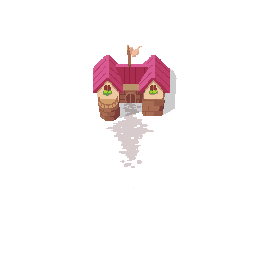
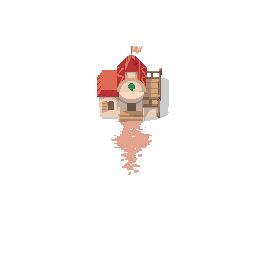
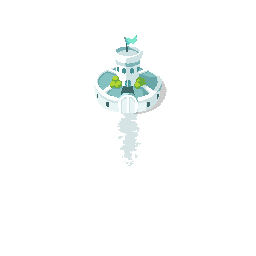
In other players' territories, you can check the following information:
・Nation name
・Coordinates
・Population
・Bounty
・User profile
・Affiliated knight order
・Suzerain
You can also perform "Declare War," "Raid," "Scout," and "Reinforcements" on other territories.
When marching, a pin of the leading character in your party will be displayed, allowing you to check the current position.
【King's Castle】
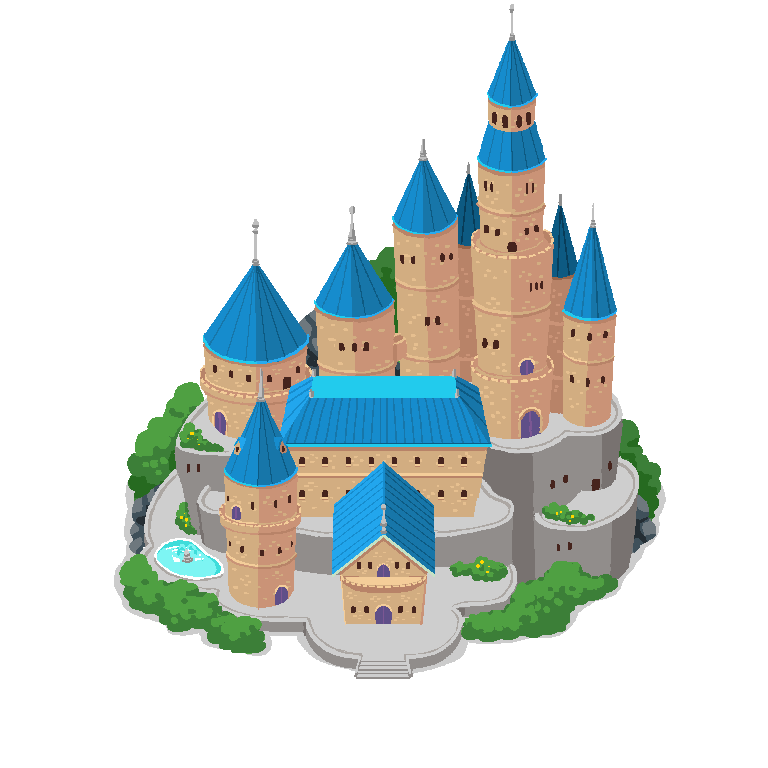
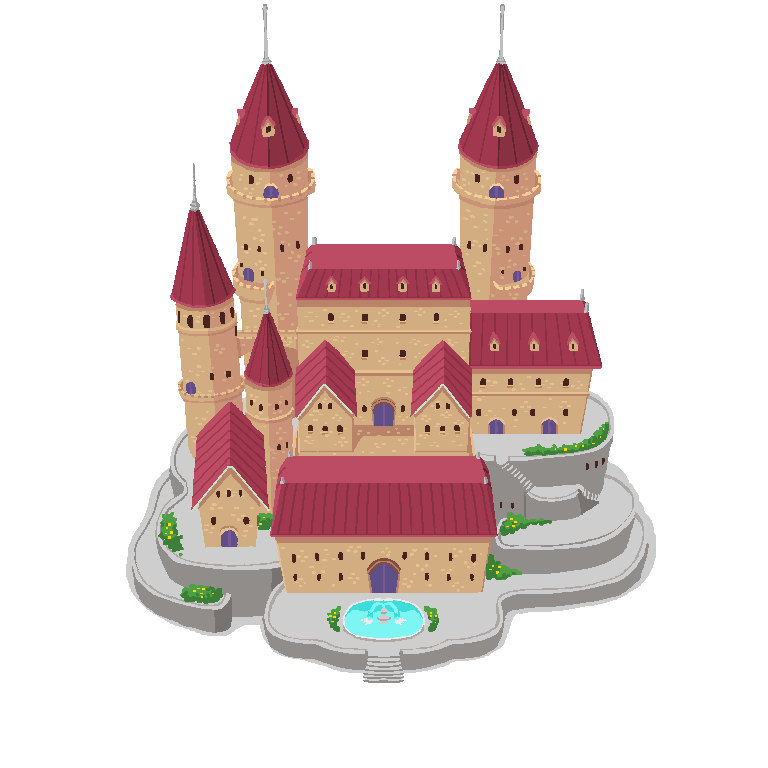
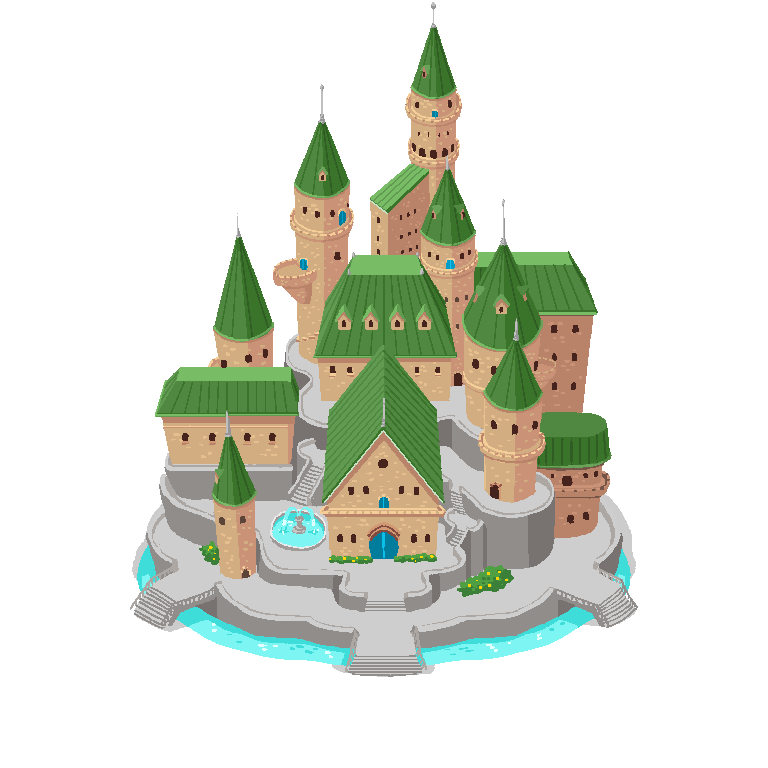
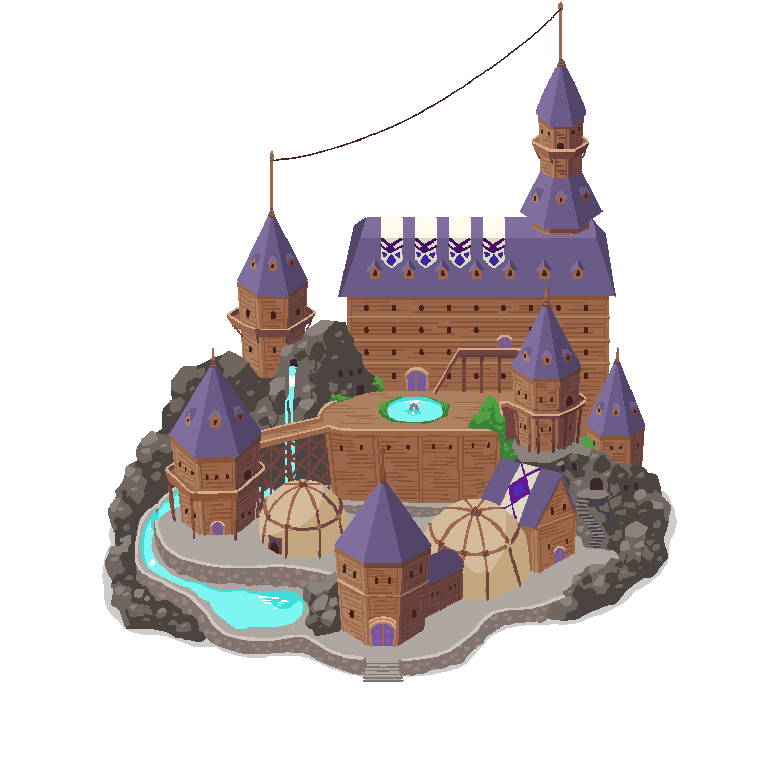
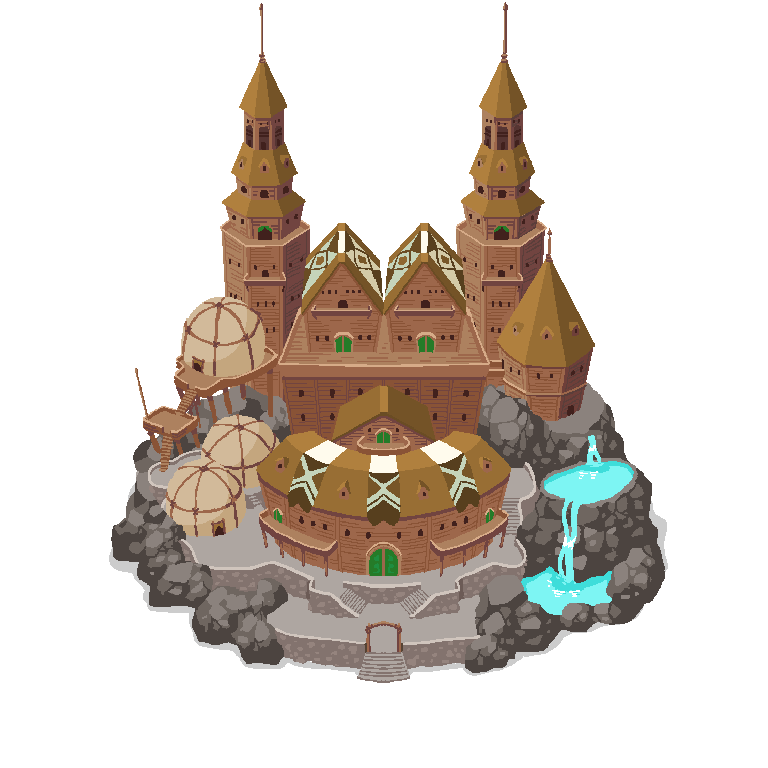
The King can post advertisements in the castle.
Closing the advertisement allows you to check the castle information.
【Tower】
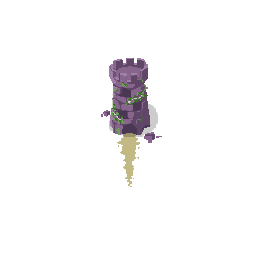
By constructing a Tavern, you can perform Treasure Hunts (TreHan) at the Tower.
【Sanctuary】
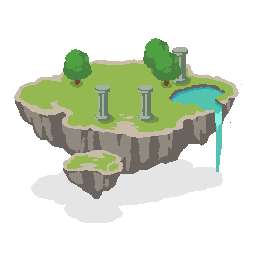
Great Plains
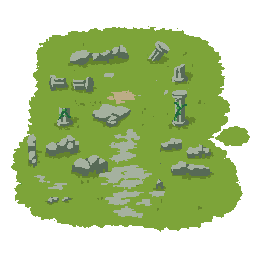
Great Grassland
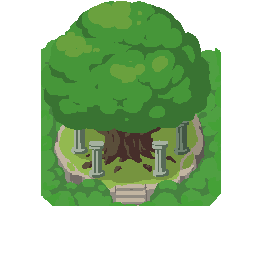
Great Forest
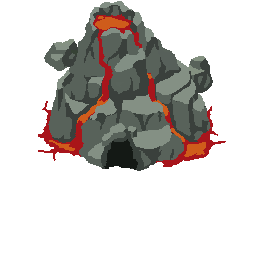
Great Mountain
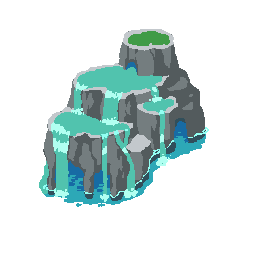
Great Lakeside
Occupying them increases resource production.
After acquiring a Sanctuary, there is a protection period, after which it may be captured by other users. You can also release occupied Sanctuaries.
**【Teleport Base】**
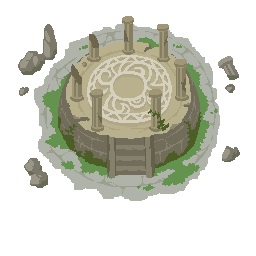
By occupying demon bases, they can be converted into teleport bases.
By constructing the War God's Assembly Hall, you can move to teleport bases.
Teleporting allows you to march to other territories from a closer location than your own territory.
**【Hero Castle / Demon King Castle】**
Bases containing magic stones in the Hero Nation and Demon Nation will transform into "**Demon King Castle**" respectively.
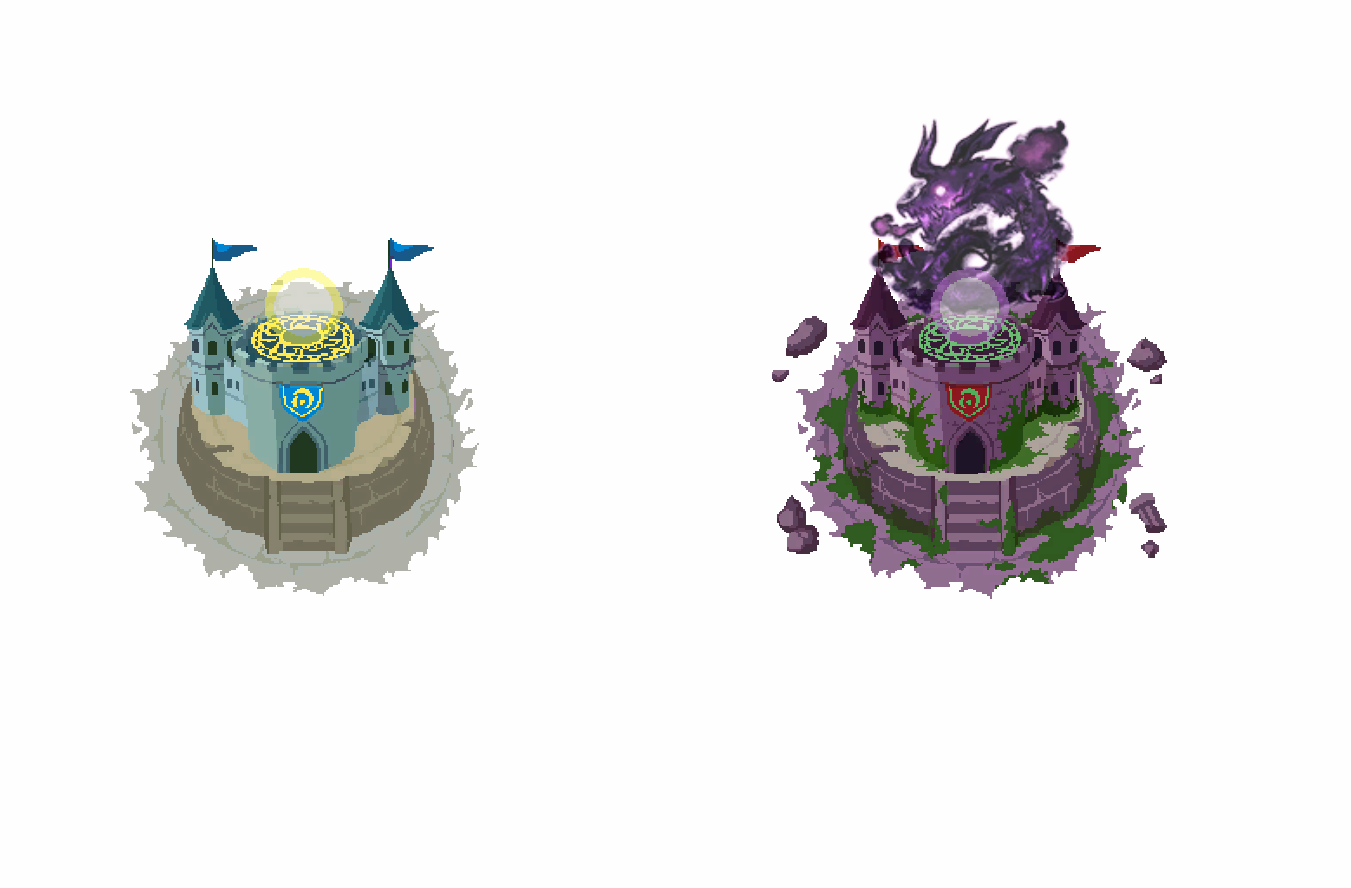
**【Demon Base】**
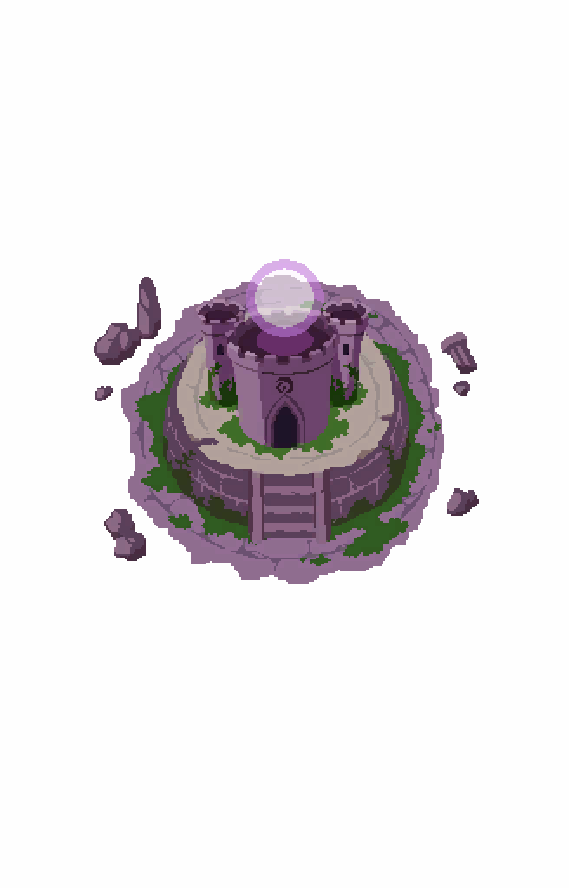
Among the bases owned by each knight order belonging to the Demon Nation, one will become a "**Demon Base**" under certain conditions.
**【Monster Bases】**
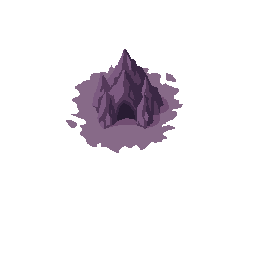
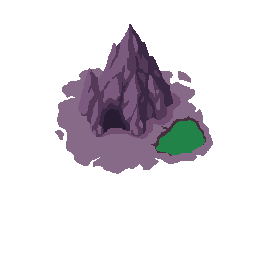
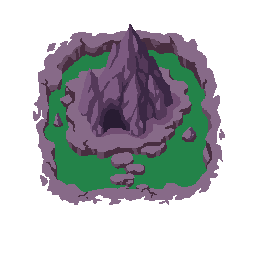
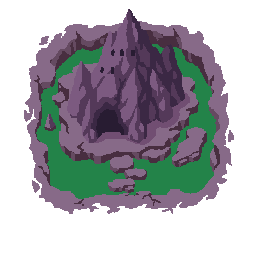
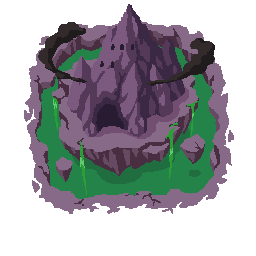
When Phase 2 (Magic Stone Contest) begins, monster bases will appear throughout the world.
Only one magic stone is hidden in the monster bases of each nation.
By capturing them, they become teleport bases.
【PvP Declaration of War】
By constructing the Council, you can declare war in PvP.
Pressing the declaration button will display the available range, allowing you to participate in player-versus-player wars.
【GvG Declaration of War】
Leaders and Vice Leaders can declare GvG on bases.
【Display Toggle】
You can switch the display from the buttons on the right side of the screen.
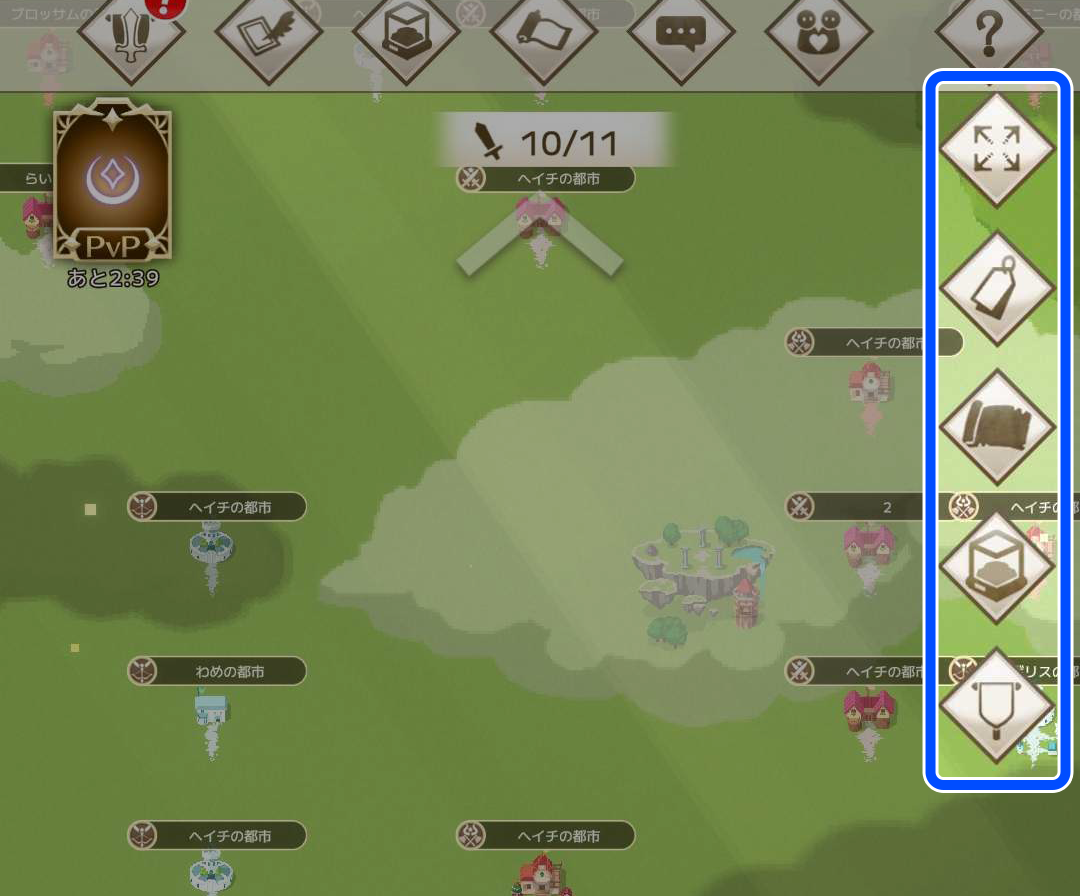
【Hide UI Button】
You can hide the UI to view the nation.
Tapping the screen will restore the original display.
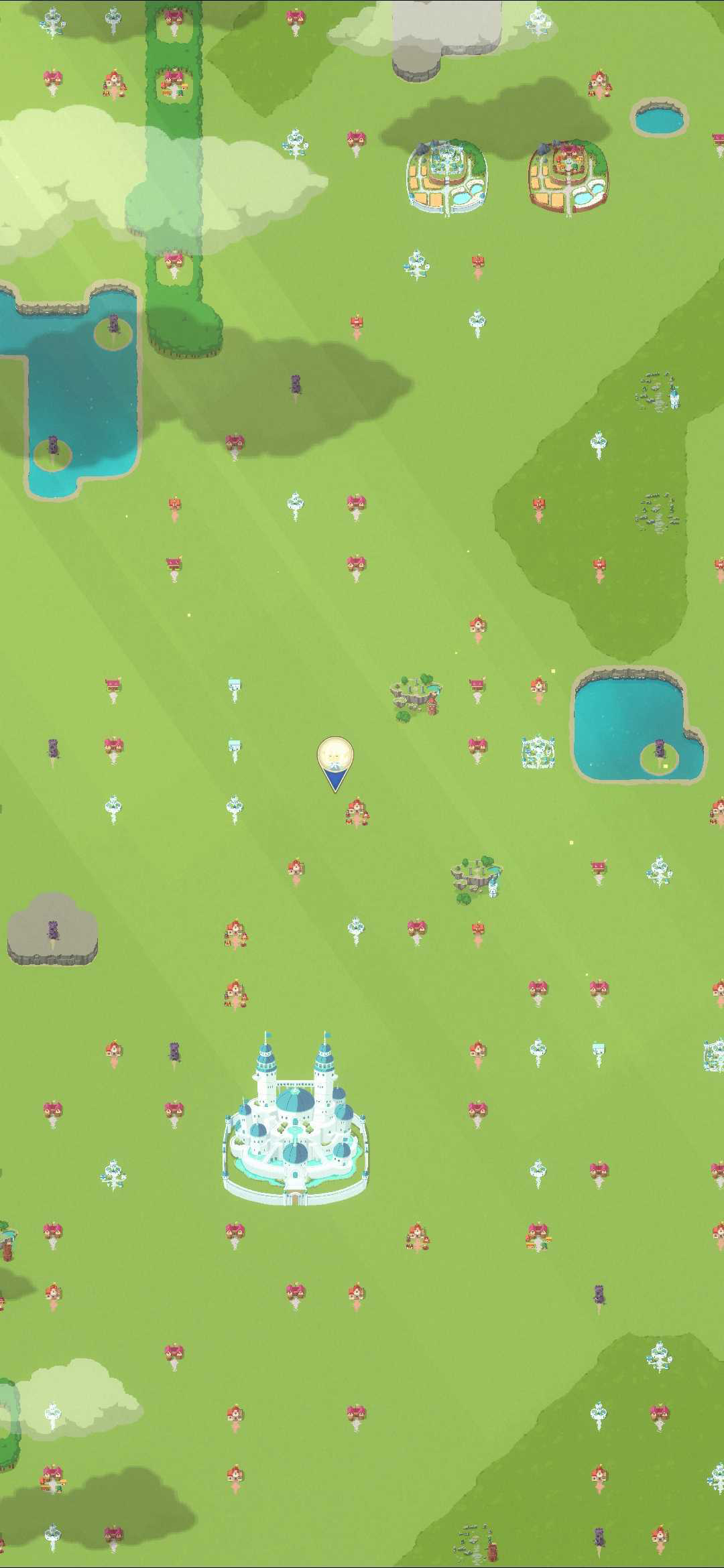
【MAP Display Toggle】
You can check land levels, territory names, and territory status.
【Bookmark Button】
When this icon is displayed, it shows the standard Map screen view.
【PvE Button】
You can check the remaining resources and land level.
⇒For details, please see the PvE page.
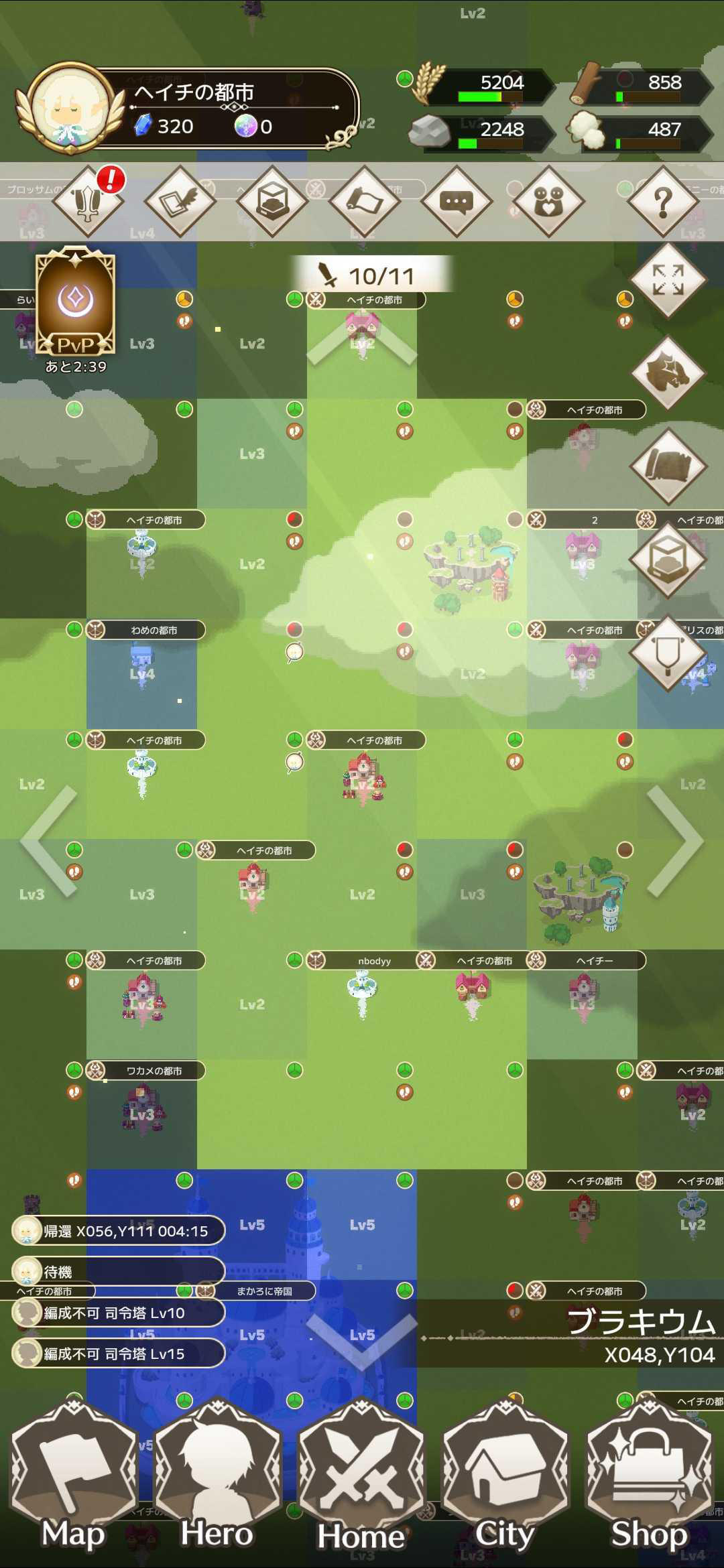
【PvP Button】
Icons indicating the opponent's status will be displayed.
Details about the icons are listed at the bottom of this page.
⇒For more details, please see the PvP page.


You can also view footprints showing where cities from your nation have marched,
as well as where other nations have marched into your territory.
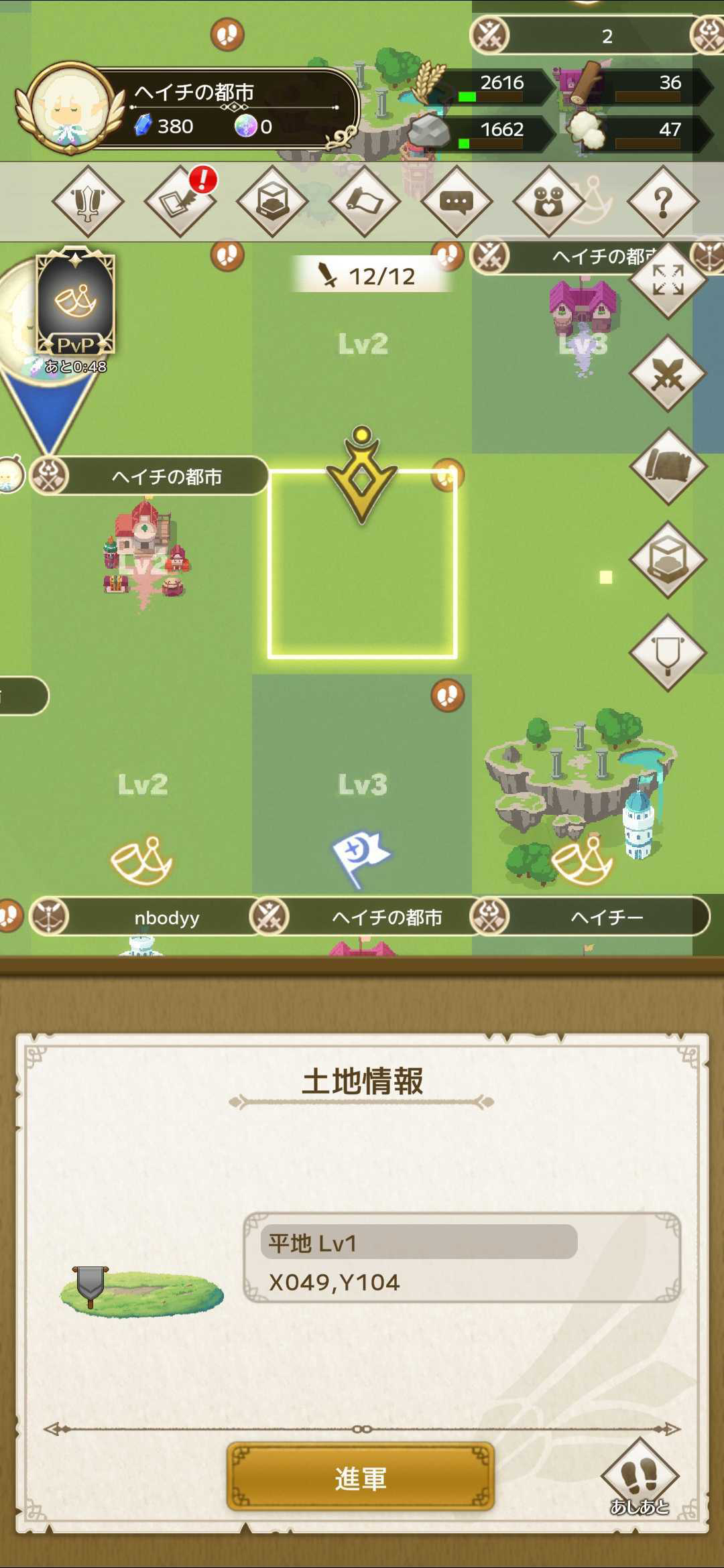
Selecting land with footprints will display a footprint button at the bottom right of the land information.
From the footprint button, you can check information about players who visited that land.
You can also jump to the visiting player's location.
The remaining march limit is displayed at the top of the screen.
Pins show where your party has recently marched.
You can check party movement and standby status.
【Map Functions】
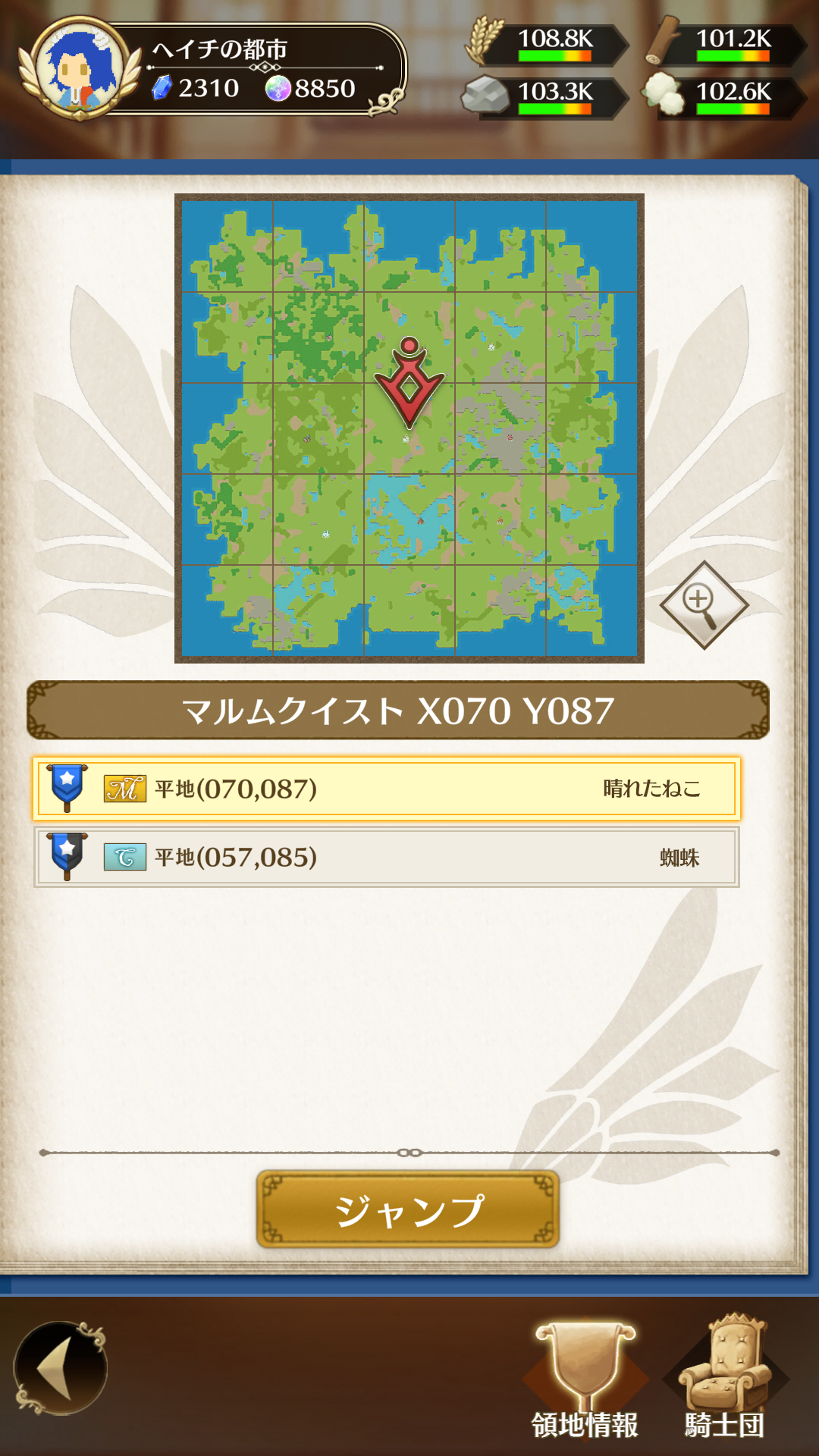
・Map: Move to selected coordinates
・Zoom: View the entire nation or world
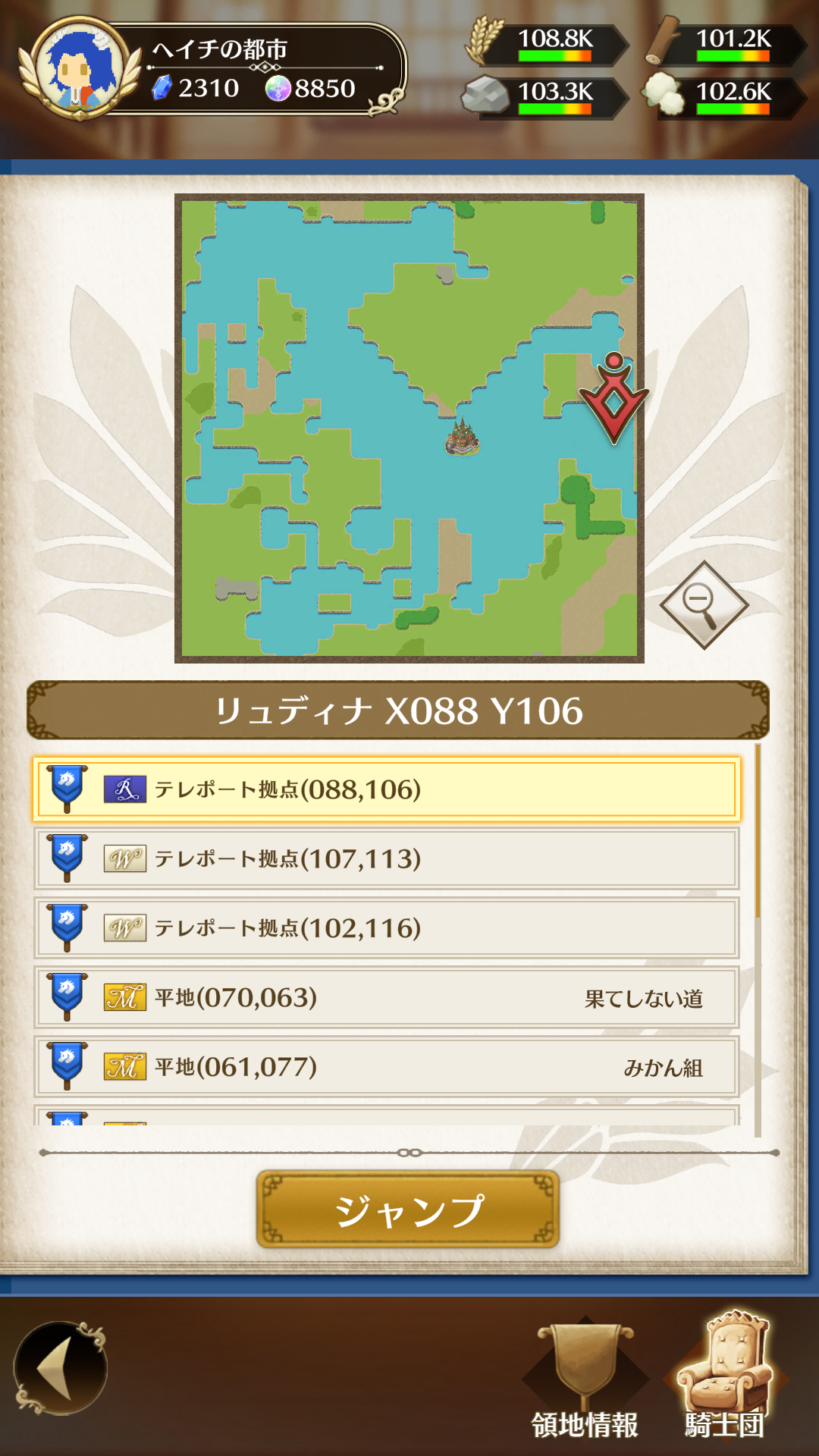
・Territory Info: View your territories, subordinate territories, occupied Sanctuaries, and flagged territories (shows nation name, territory name, user name, coordinates)
・Knight Order: View territories of members in your knight order and owned bases
【Flags】
Placing flags on your own or other territories makes it easier to identify locations on the map.
The types of flags are as follows:
・Half Black: Marker placed on your suzerain’s territory
・Half White: Marker placed on your subordinate territory
・Star: Marker for your own territory
・Horse: Marker for territories related to your knight order
・Magic Stone: Teleport base containing a fragment of a magic stone owned by your knight order
【MAP Detailed View】
In addition to basic information, you can check related city information for the selected city by category.
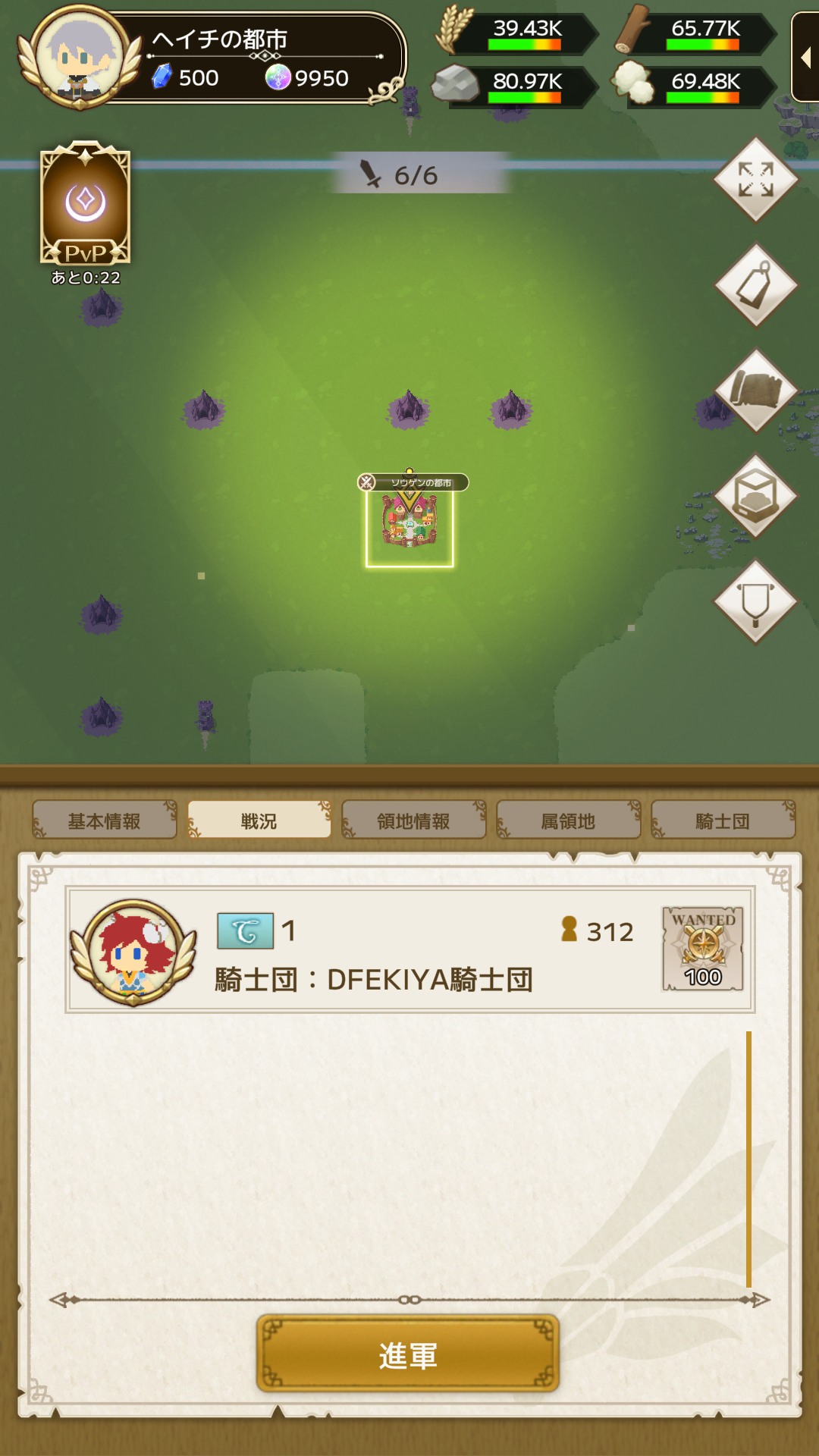
Information about attacks and defenses is displayed using arrow directions and detailed boards.
You can also check owned territories, subordinate territories, and knight order information by switching tabs.
You can jump to coordinates by selecting the coordinates displayed on the map.
1. Declaration Available
Cities with this icon can have war declared on them.
2. In Battle (Attacker)
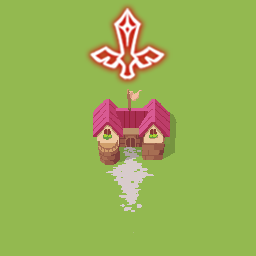
Cities with this icon are declaring war on other territories.
3. In Battle (Defender)
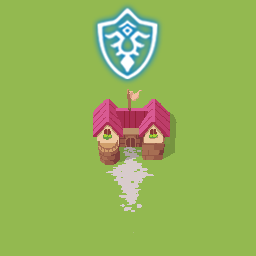
Cities with this icon are being declared on by other territories.
4. In Battle
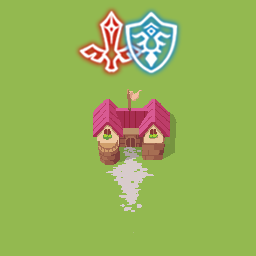
Cities with this icon are both declaring war and being declared on.
5. Ceasefire
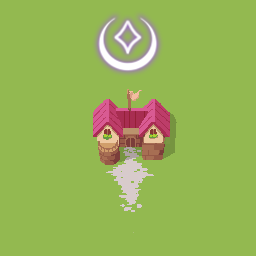
Cities with this icon are not in battle or have finished a battle and are waiting for the next declaration period.
6. Defeated
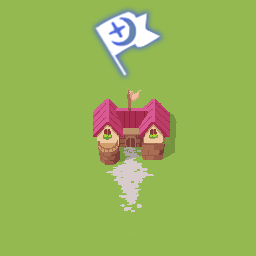
Cities with this icon have been defeated in battle.
War cannot be declared on these cities for 2 days.
7. Beginner Protection Period
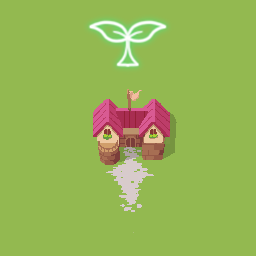
Cities with this icon are protected because they are within 5 days of starting the game.
During this period, they cannot declare war or be declared on.
8. City Defense Active
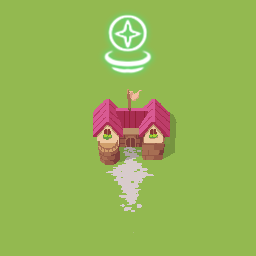
Cities with this icon are using the lord skill "City Defense Spirit."
For 1 day, they cannot declare war or be declared on.
9. Declaration Unavailable
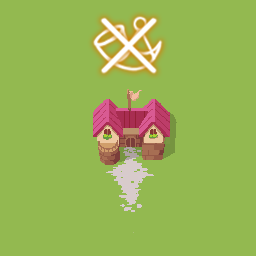
Cities with this icon cannot declare war due to a draw in the previous battle.
They will be able to declare war in the next declaration period.