Menu
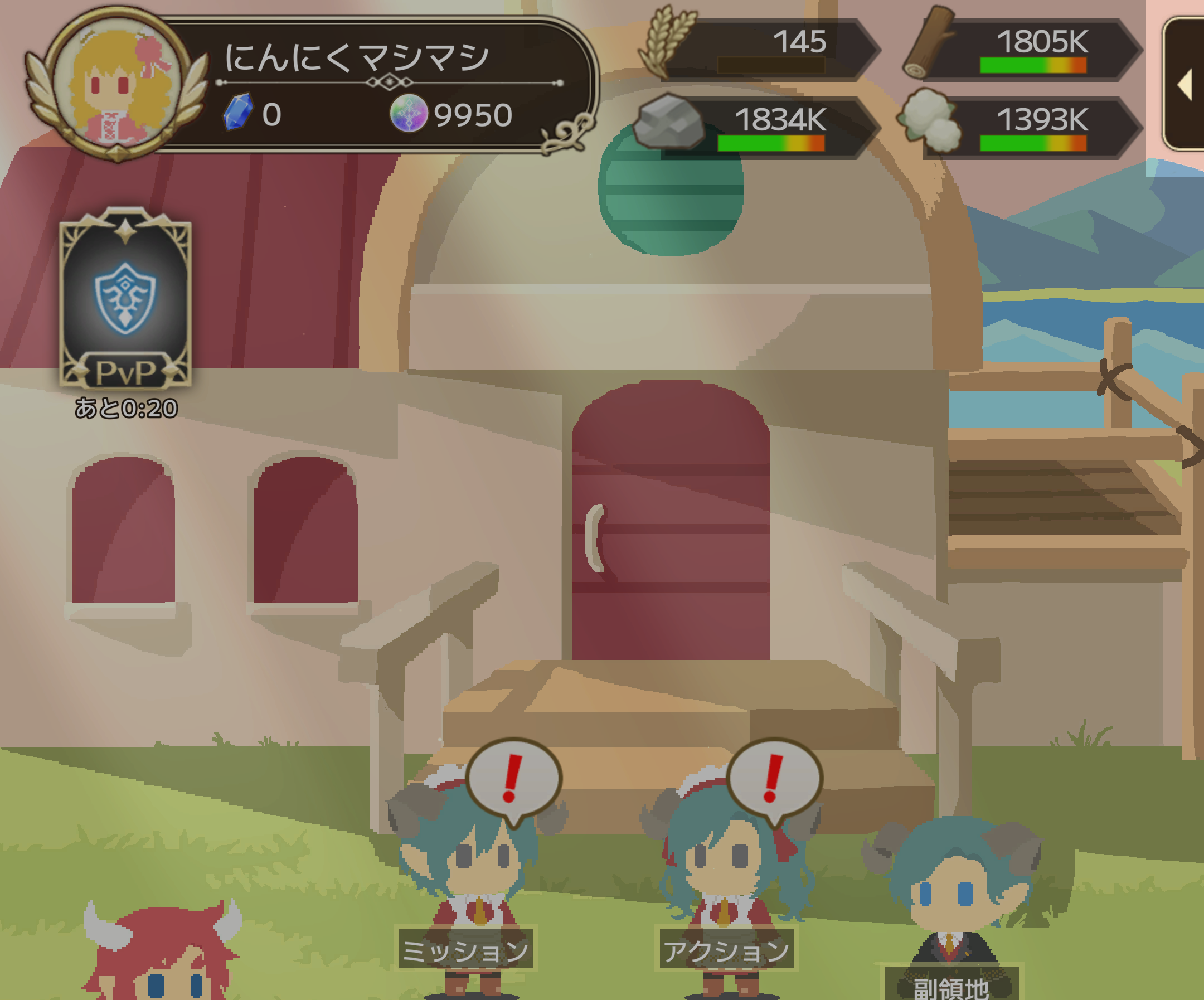
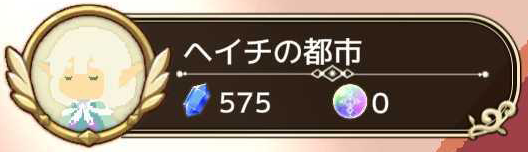
Displayed by tapping the hero section at the top left of the screen.
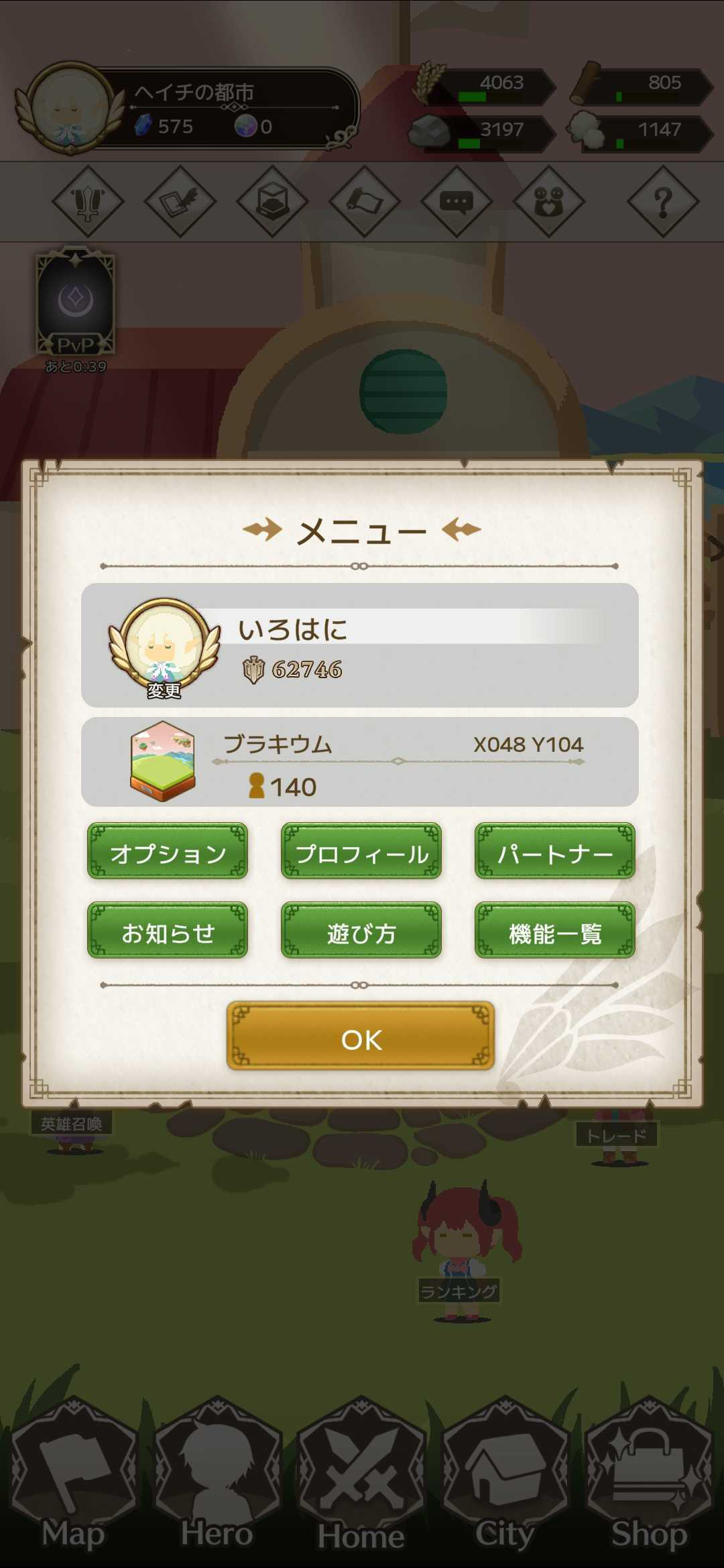
【Options】
You can adjust the volume settings.
【Profile】
You can check your profile and the territories you own.
You can also edit your profile.
To change your icon, frame, or title, tap the hero icon on the menu screen.
【Partner】
You can change the hero displayed on the Home and City screens.
【Notices】
Navigates to the announcements page.
【How to Play】
Contains the tutorial.
【Feature List】
You can check various features.
Features that have not been unlocked will be displayed in gray and cannot be accessed.
You can also configure shortcut settings.
You can return to the title screen from this page.
Account deletion and language switching can be performed from the title screen after logging in.
If you delete your account, you will not be able to register that account again.

【Shortcut Settings】
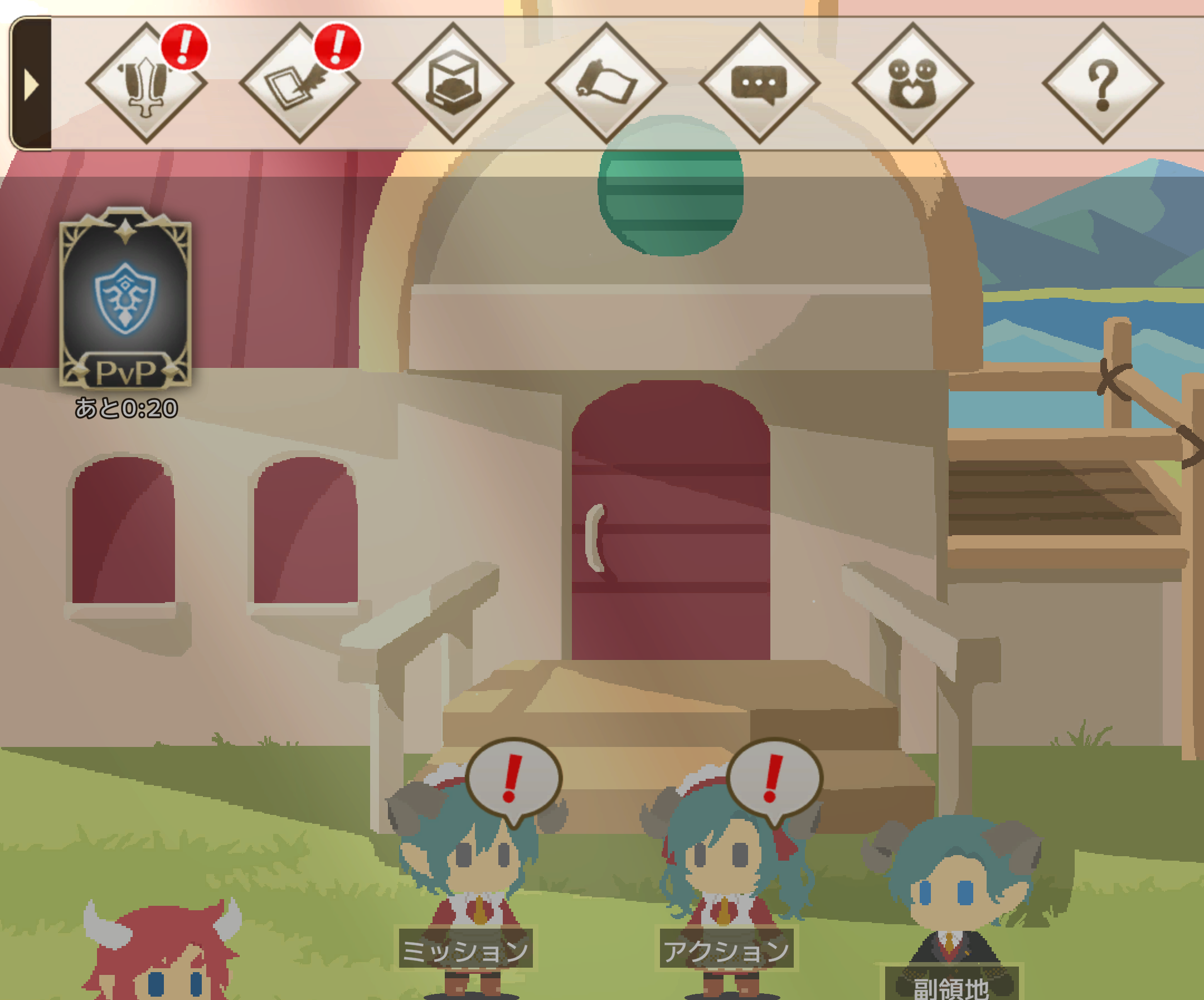
You can configure the shortcuts displayed at the top of the screen.
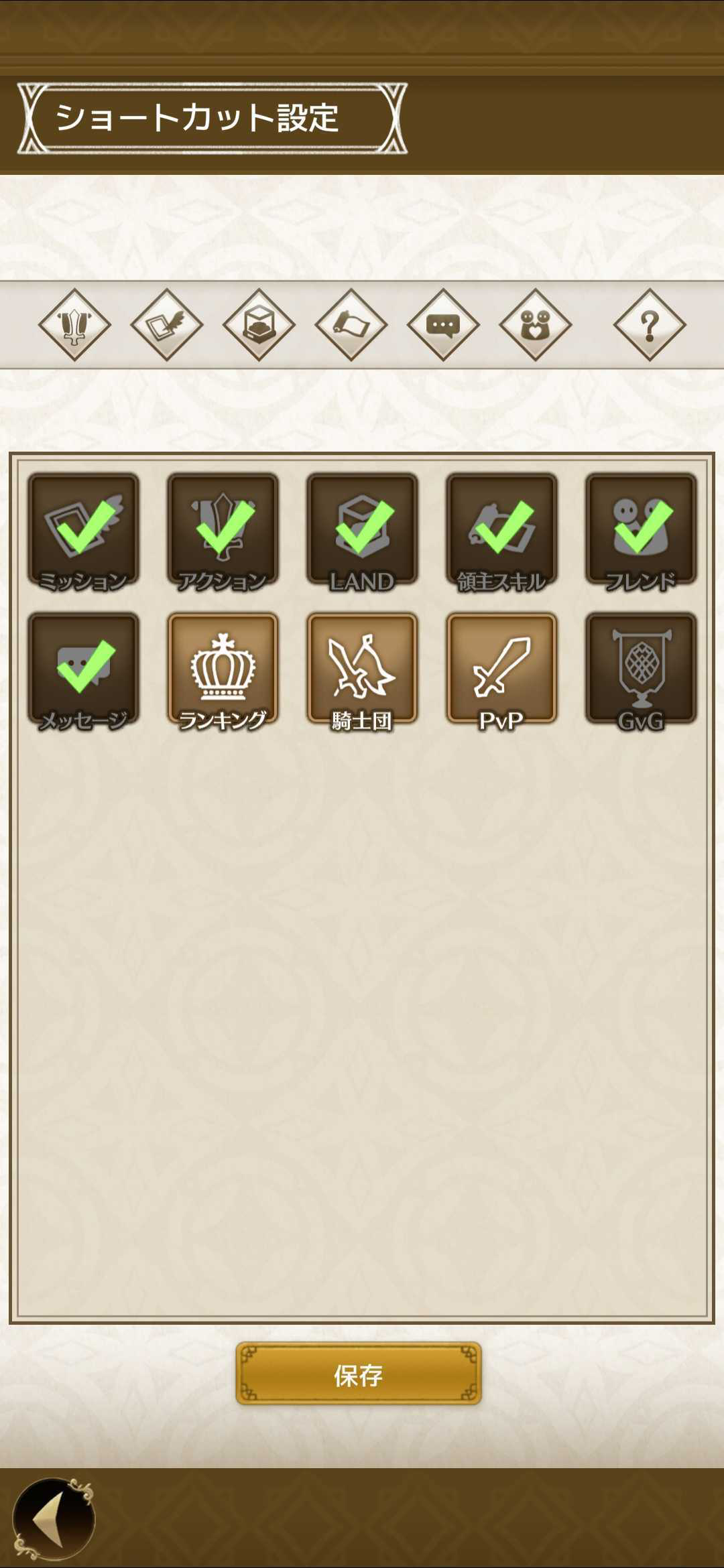
Shortcuts can be displayed by tapping the arrow tab at the top right of the screen.
Depending on your device, shortcuts may remain displayed.